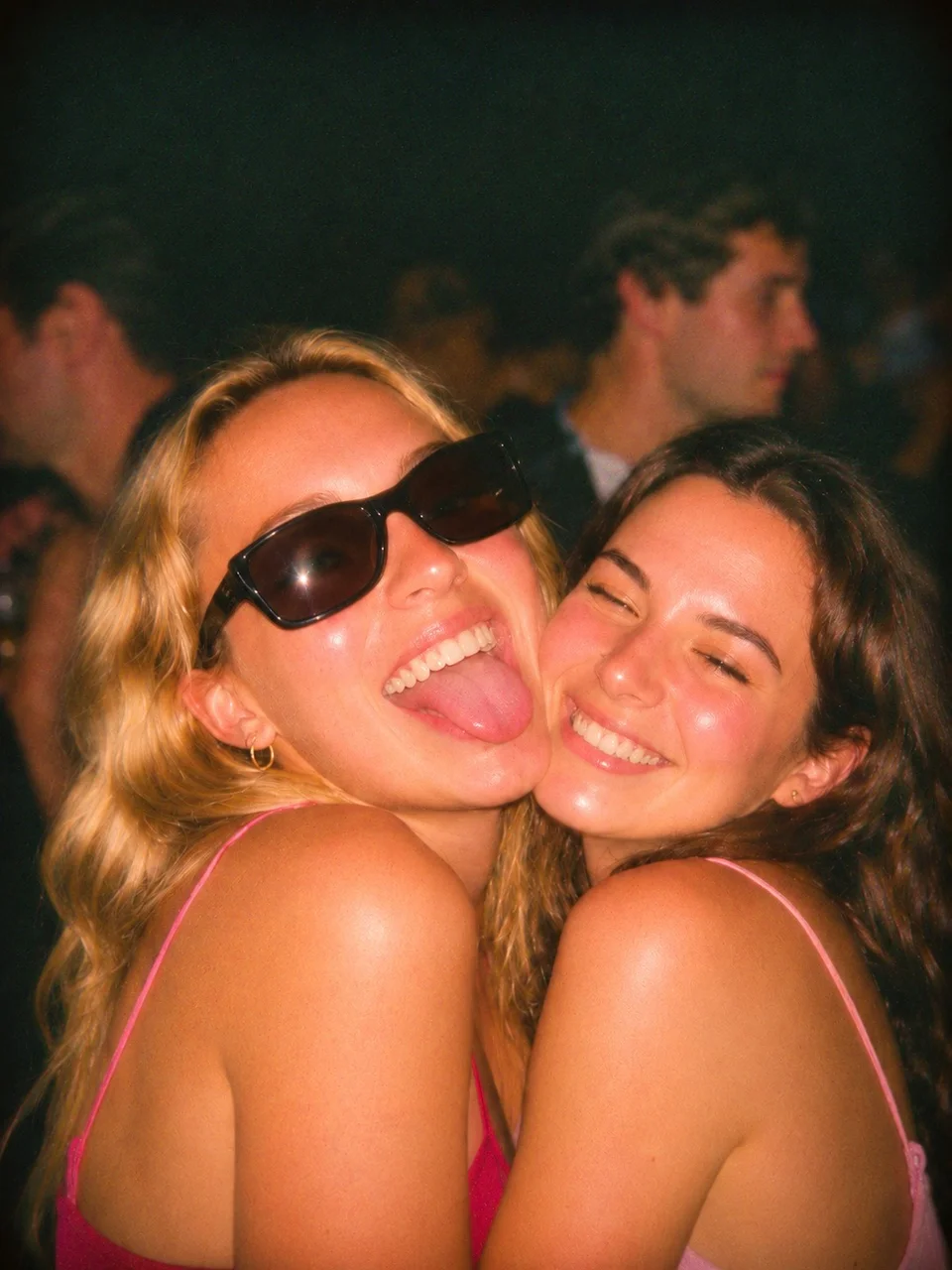
The digital camera look is as much about the moment as the camera. Think of a friend turning towards the lens, a flash catching a grin, or a picture taken before everyone has found their pose. For us, the appeal is the feeling of being there.
You can explore that style on an iPhone. Start with the light and the framing, then choose the camera treatment that suits the memory.
Start with the flash
For a party portrait, try a close group of friends with a little room around them. Make one version with flash and another without, then compare the mood. A darker background can make the people feel like the whole story.
If you’re using Apple’s Camera app, you can choose Flash On, Off, or Auto in the camera controls. Apple’s camera tools guide shows where to find the flash setting on your iPhone.
In Nosta 05, Party Flash ’05 is the place to start for this mood. Select the look, check your flash setting, and take the photo. The look is applied after capture, so review the saved picture rather than expecting the live view to show the finished treatment. For a camera with live effects and manual controls, see our ProCCD and Nosta 05 comparison.
Let the frame breathe
Our favourite party pictures have something happening beyond the person in the centre. A friend leaning in, a doorway, a table full of plates: those details bring the night back later.
Try a 4:3 frame with a little space around your subject. You don’t need to make every edge tidy. Take a picture when something happens, then let everyone get back to it. A small collection of different moments often tells a better story than ten versions of the same pose.
Follow the evening’s light
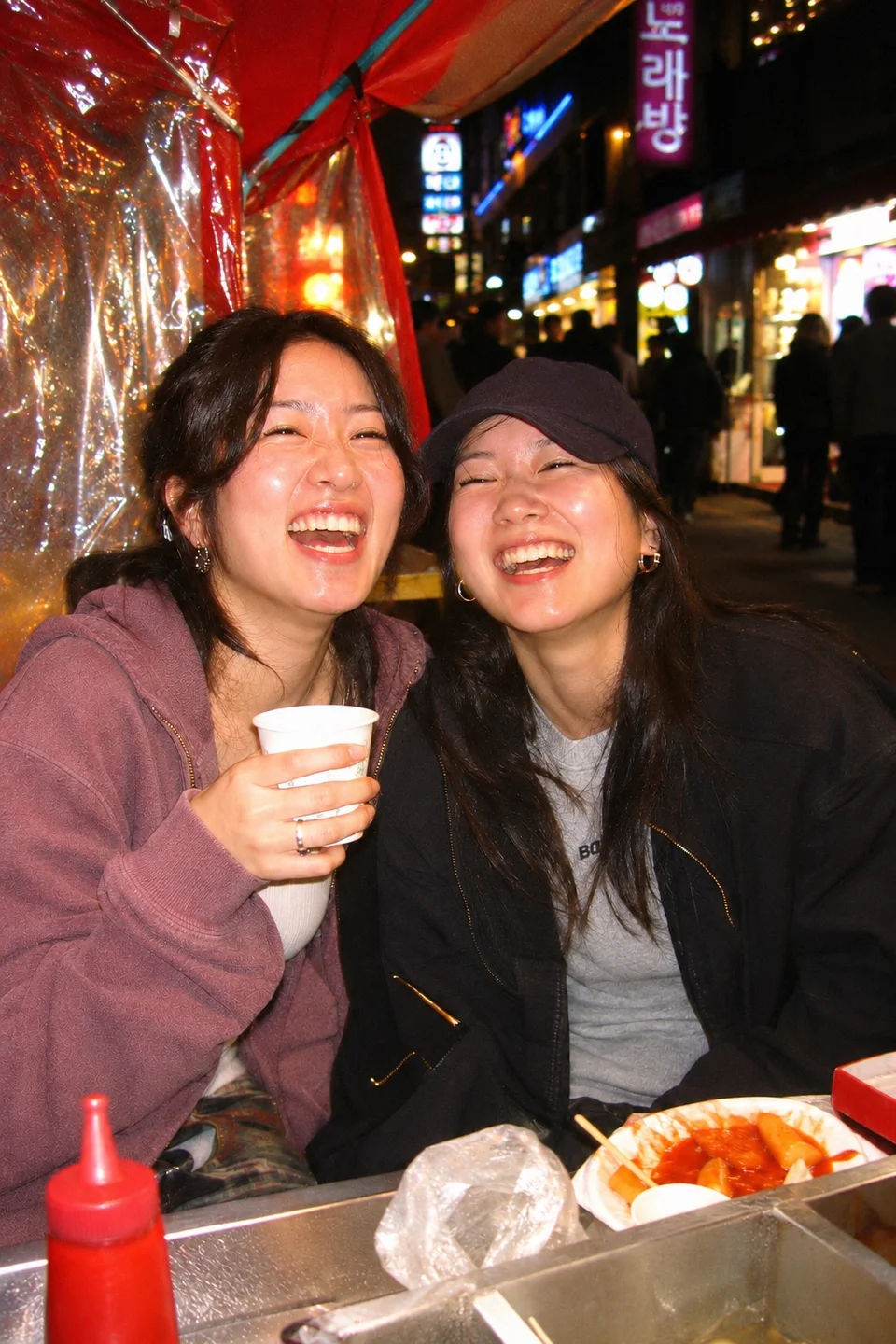
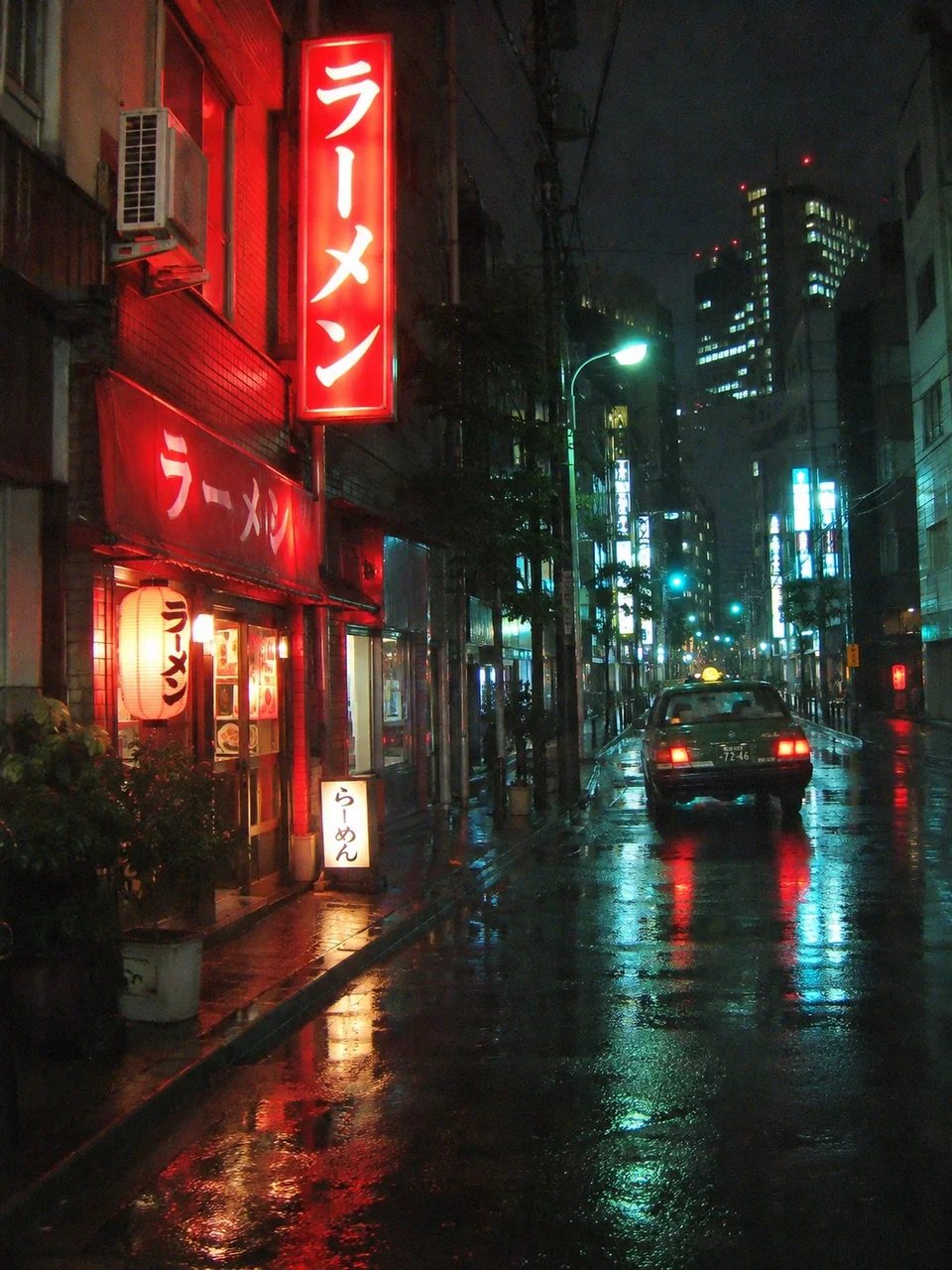
A flash portrait and a lit-up street don’t need the same treatment. If it’s the city’s own light you want to remember, try CCD Night. Its cooler-shadow direction offers another mood beside Party Flash ’05.
Compare the saved pictures in the app and choose the one that feels right to you. You’re making a memory of your own evening, so there’s no single reference photo you have to match.
Keep the original
It’s useful to keep a version before the look is applied. Nosta 05 retains the original alongside the processed photo, so you can revisit the moment or compare treatments later. You can also import an existing photo and choose its crop before applying a look.
An imported picture keeps the lighting of the original capture. A treatment can change its colour and texture, but it can’t recreate a physical flash that wasn’t there.
Keep the memories together
Give your night a personal roll: a birthday, a weekend away, or simply November. Nosta 05 files new photos into the selected personal roll, and you can move them between rolls later. Your originals stay alongside your processed photos in the app.
Save a few quieter pictures too: the street on the way home, the last table, the view from the window. Those are often the photographs that make a collection feel like a whole night.
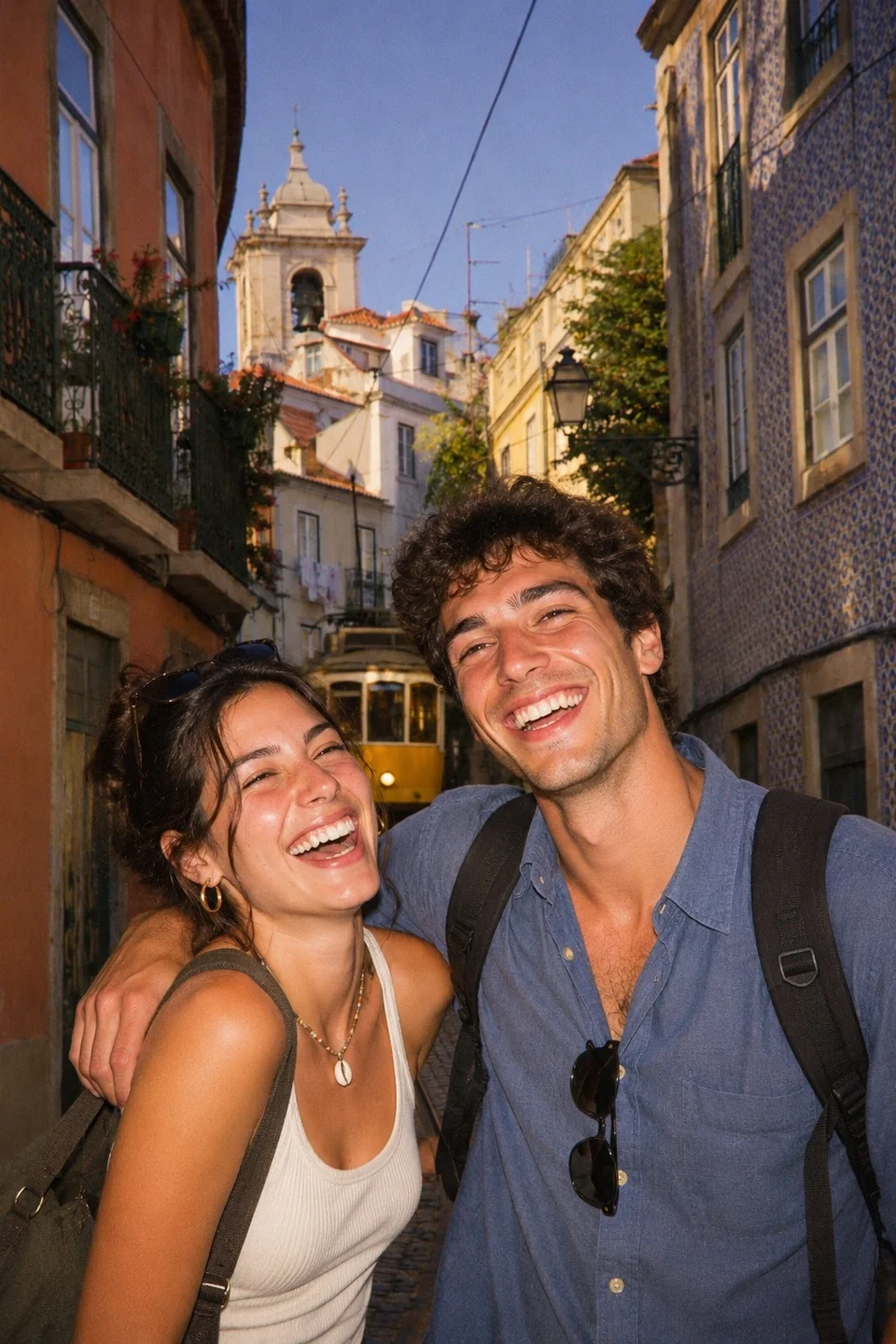
Choosing between camera apps? Our Dazz Cam and Nosta 05 comparison explains the camera choices, originals, and roll workflow.
Prefer a film-inspired starting point? Compare Huji Cam and Nosta 05 for your next weekend away.
Explore the Nosta 05 camera collection or head back to the blog.